
PHZZZ logo
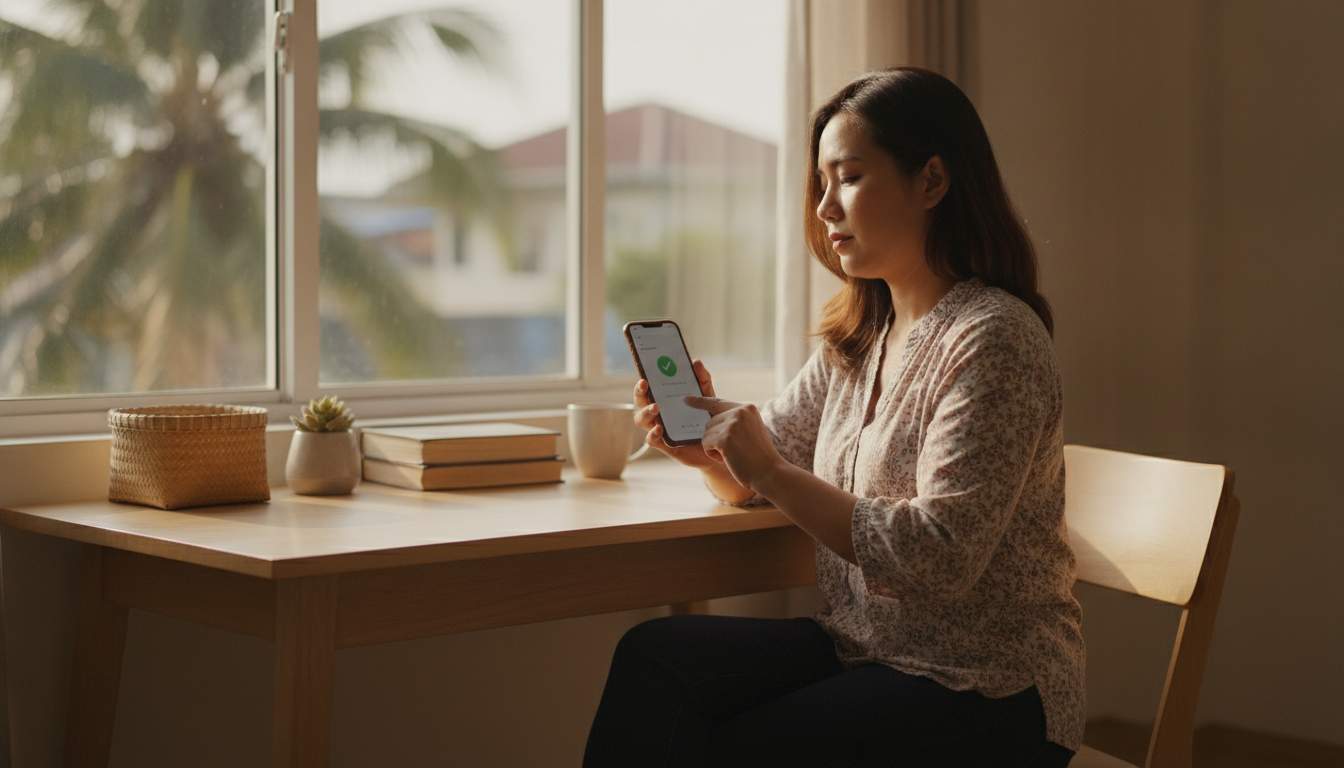
Filipina woman signing in securely on her phone

Account Access Return to your account

Secure PHZZZ Login for Your Account

Use PHZZZ login to access your registered account and manage settings, balances, transaction history, and safer-play controls. Enter your details only on the official website at https://phzzzz.org, use a unique password, and contact support if you cannot sign in.

Sign In Securely Reset Password

  • 1 Secure account access
  • 1 Password reset route
  • 24/7 Support availability

Safe Account Sign-In Guidance

PHZZZ login gives Philippine players a protected route to their personal account, using SSL encryption to secure information exchanged between the browser and https://phzzzz.org. This encrypted connection helps prevent unauthorized parties from reading credentials during sign-in. Always check that the address bar shows the correct domain before entering your details.

Create a strong, unique password with a mix of upper- and lowercase letters, numbers, and symbols, and avoid reusing passwords from email or social accounts. Keep your password private and do not save it on shared devices. If you suspect someone knows it, change it immediately through your account settings.

Account protection also depends on practical habits: sign out after using a public computer, avoid unknown Wi-Fi networks, and never share verification codes with anyone. The support team will not ask for your complete password through unsolicited messages. These steps help keep deposits, withdrawal details, and personal preferences under your control.

Your data safety remains important when moving from account access to the Casino area or reviewing offers on the App page. Use only official PHZZZ pages and update your browser or device regularly for current security protections. Contact customer support promptly if you notice unfamiliar activity in your transaction records.

Account Access Benefits

Signing in to PHZZZ lets Philippine players manage account details, review activity, and use available services from one protected dashboard. Access is designed for convenient use on mobile browsers and desktop devices. Confirm the official phzzzz.org address before entering credentials, especially when opening links from messages or social media.

  1. Manage Personal Details

    Your signed-in account area provides a central place to review registered contact information and account preferences. Keeping these details accurate helps support verify requests and communicate important account-related updates when necessary.

  2. Review Account Activity

    The account dashboard helps you check recent account activity and transaction records in one location. Reviewing entries regularly can help you spot unfamiliar actions early and report concerns to PHZZZ customer support promptly.

  3. Use Safer Device Habits

    Access your account from a personal, updated device whenever possible, then sign out after each session on shared equipment. These simple habits reduce the chance that another person can access your account information.

0%

Loading…

18+

Are you 18 or older?

Gambling is intended for adults only. Please confirm your age to continue.